


Microsoft
Acquista Windows 11 Pro – Licenza perpetua per 1 PC, download
Acquista Windows 11 Pro – Licenza perpetua per 1 PC, download
Impossibile caricare la disponibilità di ritiro
- Rechnung mit ausgewiesener MwSt
- Sofortversand per E-Mail
Descrizione del prodotto
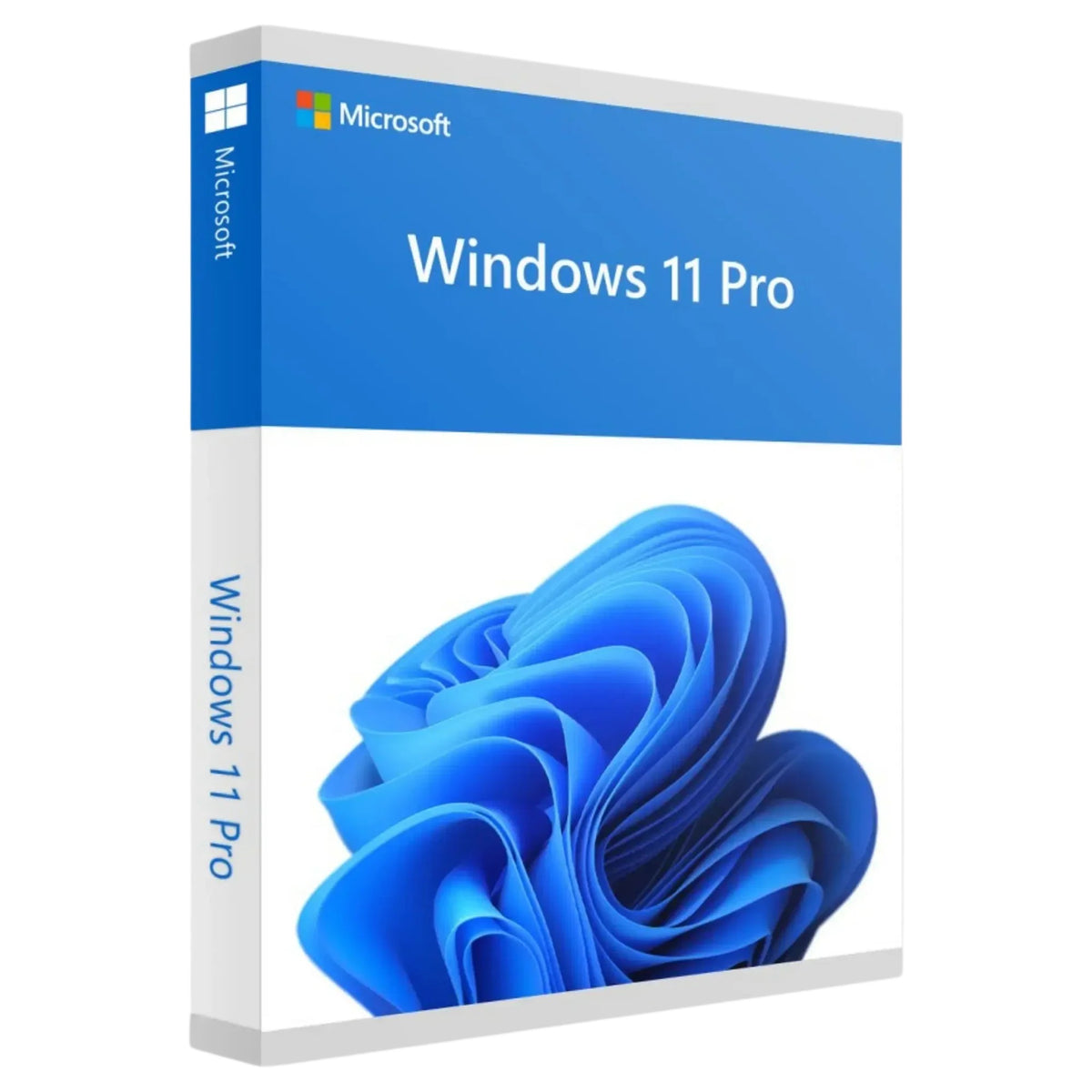
Microsoft Windows 11 Pro
Acquista Windows 11 Pro – licenza permanente per 1 PC, download
Windows 11 Pro è l'edizione professionale di Windows 11 con BitLocker, Hyper-V, Desktop remoto e accesso al dominio. Riceverai una chiave di Windows 11 Pro come licenza permanente per un PC – con acquisto una tantum, senza abbonamento e senza costi ricorrenti.
La chiave di prodotto, il link per il download e le istruzioni per l'installazione e l'attivazione saranno forniti digitalmente via e-mail. Non è prevista alcuna consegna fisica di DVD, chiavetta USB o confezione del prodotto.
Ideale per lavoratori autonomi, piccole imprese, smart working e utenti che necessitano di maggiore sicurezza e funzionalità di gestione rispetto a Windows 11 Home.
Tipo di licenza
Licenza permanente
Dispositivi
1 PC
Modello
Acquisto una tantum, nessun abbonamento
Consegna
Digitale via e-mail
Licenza e attivazione
Acquisti una licenza software digitale per Windows 11 Pro da utilizzare per l'attivazione su un PC. L'ambito di utilizzo specifico è determinato dalla licenza fornita e dalle informazioni contenute nel suo ordine.
L'attivazione deve essere effettuata tramite Impostazioni → Sistema → Attivazione → Modifica chiave di prodotto e successivamente online tramite i server di attivazione Microsoft.
Perché acquistare Windows 11 Pro da Softwarekey
Contenuto della licenza Windows 11 Pro
Non è prevista alcuna consegna fisica. Non riceverai DVD, chiavette USB né confezione del prodotto.
Caratteristiche di Windows 11 Pro
Pro integra Windows 11 con funzionalità per la privacy, la virtualizzazione, l'accesso remoto e la gestione in rete.
Crittografia BitLocker
Crittografa le unità e protegge i dati in caso di smarrimento o furto del dispositivo.
Hyper-V
Esegui macchine virtuali direttamente in Windows, senza software aggiuntivo.
Windows Sandbox
Prova programmi sconosciuti in un ambiente isolato.
Desktop remoto
Accedi da remoto a questo PC, ad esempio dall'ufficio domestico.
Accesso al dominio & Entra ID
Integrazione in Active Directory e Microsoft Entra ID.
Criteri di gruppo
Definisci impostazioni per utenti e dispositivi in modo centralizzato.
Windows Update for Business
Gestisci gli aggiornamenti nel tempo tramite criteri.
Fino a 2 TB di RAM e 2 CPU
Adatto anche a sistemi ad alte prestazioni con due processori.
Ideale per ambiti professionali
Windows 11 Pro è la scelta giusta se necessiti di maggiore sicurezza, controllo e funzionalità di gestione rispetto all'edizione Home.
Lavoratori autonomi & PMI
Salva i dati dei clienti crittografati con BitLocker.
Piccole imprese
Accesso al dominio e impostazioni centralizzate tramite criteri di gruppo.
Smart working & lavoro ibrido
Desktop remoto e unità crittografate.
Amministrazione IT
Criteri, gestione degli aggiornamenti e amministrazione dei dispositivi.
Sviluppatori & utenti avanzati
Hyper-V e Windows Sandbox per ambienti di prova e sviluppo.
Studi legali & studi medici
Proteggi i dati sensibili tramite crittografia delle unità.
Confronto prodotti: Windows 11 Pro, Home o Enterprise?
Per l'ufficio, lo smart working e le piccole imprese, Windows 11 Pro è nell'esempio più adatto nella maggior parte dei casi.


RAM and processor specifications: maximum support per edition according to Microsoft. For more than 2 TB of RAM, up to 4 processors, or the ReFS file system, Windows 11 Pro for Workstations → is also available.
Windows 11 Pro is also available from us on a USB flash drive →, as a DVD →, or with a volume license →.
Windows 11 Pro System Requirements
The following minimum requirements are based on Microsoft's system requirements for Windows 11.
Install Windows 11 Pro in 5 Steps
Frequently Asked Questions
What is a Windows 11 Pro Key?
The Windows 11 Pro Key is the 25-character product key used to activate Windows 11 Pro. You will receive it digitally by email after purchase.
What do I receive after purchase?
You will receive the Windows 11 Pro product key by email, a download link for the installation file, as well as instructions for installation and activation.
Is Windows 11 Pro a subscription?
No. The license offered is intended as a perpetual license and one-time purchase, with no ongoing costs.
On how many PCs can I use Windows 11 Pro?
The license is intended for activation on one PC. Simultaneous use on multiple devices is not possible.
How is Windows 11 Pro delivered?
It is delivered digitally by email. No physical media is shipped.
Can I upgrade from Windows 11 Home to Pro?
Yes. Go to Settings → System → Activation → Change product key and enter the Pro key. Your files and programs will generally be preserved; we recommend backing up your data beforehand.
Does the license also work when switching from Windows 10?
Yes, provided the PC meets the Windows 11 system requirements, especially TPM 2.0 and Secure Boot.
What makes Pro different from Windows 11 Home?
Only Pro offers BitLocker management, Hyper-V, Windows Sandbox, Remote Desktop Host, Domain Join, and Group Policy. Pro supports up to 2 TB of RAM and 2 CPUs, while Home supports up to 128 GB of RAM and 1 CPU.
Do I need Windows 11 Pro for Workstations?
Only if you need more than 2 TB of RAM, more than 2 processors, ReFS, or SMB Direct. For office use, home offices, and small businesses, Windows 11 Pro is the right choice.
Legal Notices
License type. Perpetual license for Windows 11 Pro for activation on one PC, in accordance with the specific license scope provided.
Delivery method. Exclusively digital delivery by email; no physical delivery.
Activation. The intended online activation method is performed via Microsoft activation servers after entering the product key.
Trademark rights. Microsoft and Windows are trademarks or registered trademarks of the Microsoft corporation. Softwarekey uses these terms exclusively for product descriptions and is an independent retailer.
Product description as of: October 26, 2026
So funktioniert's
Vom Kauf bis zur Aktivierung in drei Schritten.
Ordinare
Seleziona il tuo prodotto e completa il pagamento in modo sicuro.
Chiavi ricevute via e-mail
La tua chiave di licenza arriverà nella tua casella di posta subito dopo il pagamento.
Attivare
Inserisci la chiave, attiva – fatto. Pronto all'uso in pochi minuti.
Technische Details
- Lizenztyp
- Dauerlizenz (Einmalkauf)
- Geräte
- 1 PC
- Betriebssystem
- Windows 11 Pro (64-Bit)
- Lieferung
- Digital per E-Mail
- Sprache
- Mehrsprachig, inkl. Deutsch
- Version
- Windows 11 Pro
Häufige Fragen
La chiave di licenza è originale?
Sì. Riceverai una chiave di licenza originale, valida a tempo indeterminato e attivabile ufficialmente presso Microsoft.
Quanto tempo ci vuole per ricevere la chiave?
Subito. Immediatamente dopo il pagamento avvenuto con successo, inviamo automaticamente la chiave di licenza e le istruzioni per l'installazione via e-mail – di norma entro pochi secondi.
È un abbonamento o un acquisto una tantum?
Un acquisto una tantum. Paghi una volta e utilizzi il software a tempo indeterminato – nessun abbonamento, nessun costo ricorrente.
Auf wie vielen Geräten kann ich aktivieren?
Die Geräteanzahl steht in der Produktbeschreibung und, falls angegeben, in den technischen Details. Ohne andere Angabe gilt ein Schlüssel für die Aktivierung auf einem Gerät (§ 10 Abs. 2 AGB).
Cosa succede se l'attivazione non va a buon fine?
Nessun problema: il nostro supporto la assisterà personalmente. I suoi diritti legali in caso di difformità rimangono invariati.
Quali metodi di pagamento sono accettati?
Potrai visualizzare le modalità di pagamento disponibili per il tuo ordine al momento del checkout. Tutti i pagamenti sono protetti da crittografia SSL e gestiti tramite fornitori di servizi di pagamento verificati.
Riceverò una fattura con l'imposta sul valore aggiunto indicata?
Sì. Per ogni ordine riceverete automaticamente via e-mail una regolare fattura con IVA indicata, valida sia per i privati che per le aziende.
Ho bisogno di una connessione Internet per l'attivazione?
Per l'attivazione iniziale è necessaria una connessione Internet. Successivamente, è possibile utilizzare il software completamente offline.
Erhalte ich Updates für die Software?
Microsoft stellt Sicherheitsupdates nur bis zum Ende des Supportzeitraums der jeweiligen Version bereit. Ob und bis wann Ihre Version noch Updates erhält, finden Sie in der Produktbeschreibung oder in der Lifecycle-Übersicht von Microsoft.
Kann ich die Lizenz auf einen neuen PC übertragen?
Das hängt von der Lizenzart ab. OEM-Lizenzen sind an das erste aktivierte Gerät gebunden. Allgemein gilt: Aktivierungsschlüssel sind in der Regel an die Hardware gebunden – ein Gerätewechsel, eine Neuinstallation oder ein Mainboard-Tausch kann die Aktivierung beenden (§ 10 Abs. 3 AGB). Ob eine Übertragung für Ihr Produkt möglich ist, klärt unser Support gern vor dem Kauf.
Bereit, sofort loszulegen?
Sichern Sie sich Ihre Original-Lizenz – mit Sofort-Lieferung per E-Mail und persönlichem Support.
Jetzt kaufen – Sofort-LieferungMachen Sie weiter, wo Sie aufgehört haben
