


Microsoft
Acquista Microsoft 365 Family – Abbonamento annuale per un massimo di 6 persone, 1 TB OneDrive ciascuna
Acquista Microsoft 365 Family – Abbonamento annuale per un massimo di 6 persone, 1 TB OneDrive ciascuna
Impossibile caricare la disponibilità di ritiro
- Rechnung mit ausgewiesener MwSt
- Sofortversand per E-Mail
Descrizione del prodotto
Microsoft 365 Family
Acquista Microsoft 365 Family – abbonamento annuale per un massimo di 6 persone con app Office, IA Copilot e 1 TB di OneDrive a persona
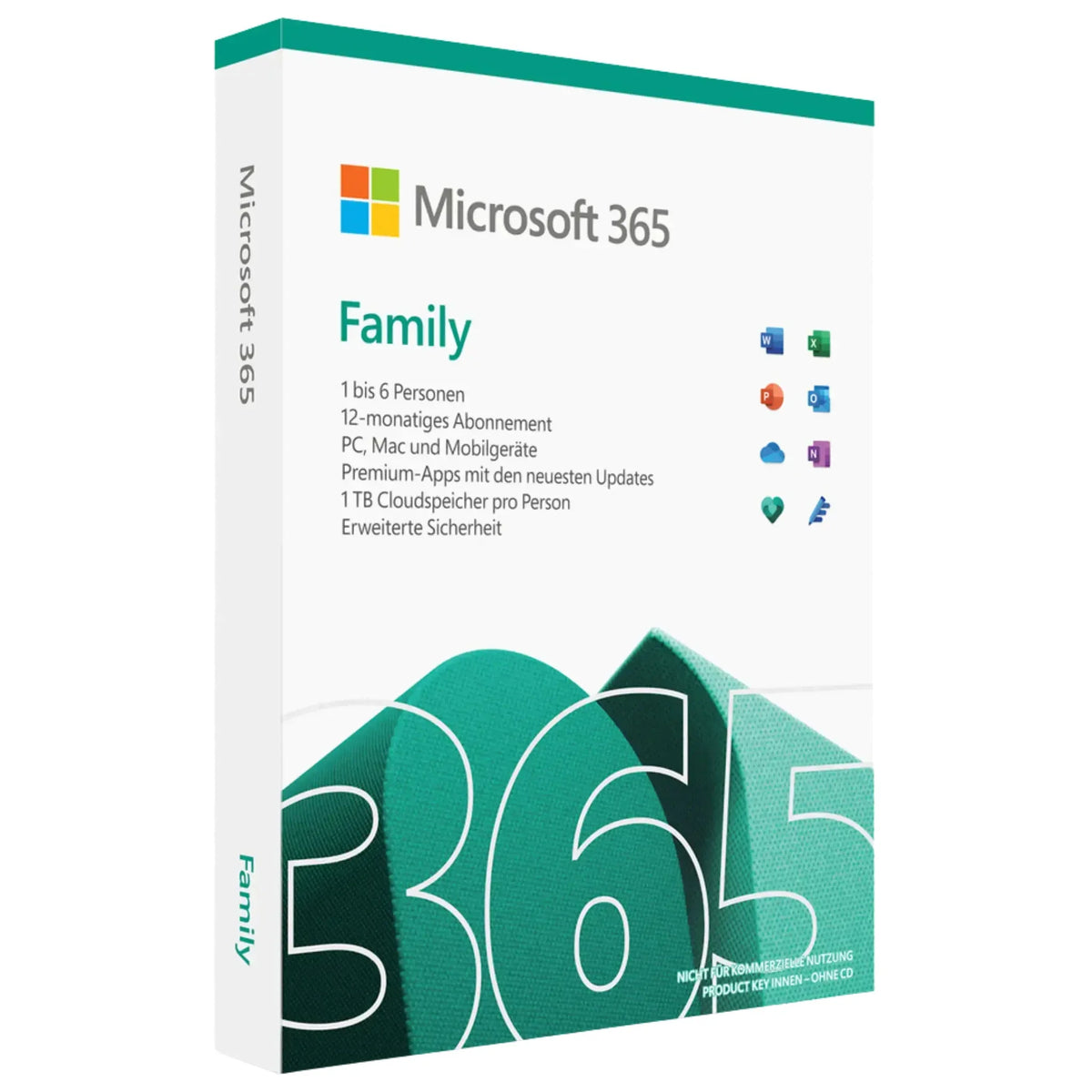
Acquista Microsoft 365 Family da Softwarekey come abbonamento annuale ufficiale per un massimo di sei persone. Ogni persona riceve le app Office complete – Word, Excel, PowerPoint, Outlook e OneNote – con Microsoft Copilot integrato, 1 TB di spazio cloud OneDrive personale (fino a 6 TB in totale), Microsoft Defender e Microsoft Family Safety. Ideale per famiglie e coinquilini che utilizzano Office su più dispositivi.
Consegna immediata della chiave di attivazione via e-mail dopo il pagamento – include istruzioni dettagliate in tedesco per setup.microsoft.com e fattura regolare con IVA al 19 % indicata.
Con Softwarekey ricevi assistenza in tedesco e il pieno controllo dei costi: l’abbonamento non si rinnova automaticamente – allo scadere dei 12 mesi decidi tu se rinnovarlo.
Importante: informazioni sul modello di abbonamento
Microsoft 365 Family è un abbonamento annuale (12 mesi), non una licenza perpetua. L’utilizzo è legato a un account Microsoft per ciascuna persona. Alla scadenza, le app Office passano alla modalità di sola lettura; i documenti esistenti restano accessibili. Questa licenza di Softwarekey non prevede il rinnovo automatico – mantieni il pieno controllo dei costi.
Alla scadenza dell’abbonamento, lo spazio cloud OneDrive di ciascuna persona viene ridotto da Microsoft al limite gratuito di 5 GB. Ti consigliamo di scaricare per tempo i dati più voluminosi o di conservarli rinnovando l’abbonamento.
Se preferisci una versione con acquisto una tantum e senza costi ricorrenti, Office 2024 Professional Plus è disponibile come alternativa con licenza perpetua.
Tipo di licenza
Abbonamento, 12 mesi
Piattaforme
Windows, macOS, iOS, Android
Persone / dispositivi
Fino a 6 persone, 5 dispositivi ciascuna
Consegna
Immediata via e-mail
Acquista Microsoft 365 Family – l’abbonamento annuale flessibile per tutta la famiglia
Contenuto dell’abbonamento
Non è prevista alcuna consegna fisica. Non riceverai supporti dati né materiale di imballaggio.
Cosa contraddistingue Microsoft 365 Family
Le app Office Premium complete con IA Copilot, insieme a spazio cloud, funzioni di protezione e strumenti per la famiglia – per un massimo di sei persone.
Word, Excel, PowerPoint
App desktop complete, sempre aggiornate all’ultima versione
Outlook & OneNote
E-mail, calendario, contatti e blocco note digitale
Microsoft Copilot
Supporto IA nelle app Office – incluso nell’abbonamento senza costi aggiuntivi
6 × 1 TB OneDrive
1 TB di spazio cloud personale per ciascuna persona, fino a 6 TB in totale
Per un massimo di 6 persone
Ogni persona dispone di account e impostazioni personali
Microsoft Defender
Protezione da malware, phishing e furto d’identità
Microsoft Family Safety
Condivisione della posizione, tempo di utilizzo e filtri dei contenuti per la famiglia
Designer & Clipchamp
Creazione di immagini assistita dall’IA e semplice montaggio video
Fino a 5 dispositivi per persona
Utilizzo simultaneo su PC, Mac, tablet e smartphone
Confronto prodotti: Microsoft 365 Family, Single o Business Standard?
Microsoft 365 Family offre le funzionalità di Single per un massimo di sei persone – ciascuna con 1 TB personale di OneDrive.


Prefer to buy once rather than subscribe? Office 2024 Professional Plus → is a perpetual license with no ongoing costs.
System requirements
Ready to use in 5 steps
Frequently asked questions
What do I get after purchase?
You will receive the activation key for Microsoft 365 Family by email, German instructions for activation via setup.microsoft.com and an invoice showing VAT.
How many people is Microsoft 365 Family for?
For up to six people. Each person uses their own Microsoft account with all Office apps, Copilot and their own 1 TB OneDrive storage.
Is this a subscription or a one-time purchase?
It is a subscription with a 12-month duration. Renewal is required after expiry. If you want to pay once, Office 2024 Professional Plus is a perpetual license alternative.
How much cloud storage is included?
Each of the up to six people receives 1 TB of OneDrive storage – so up to 6 TB in total. The storage is personal and non-transferable.
Is Microsoft Copilot included?
Yes. Microsoft 365 Family includes an AI usage allowance for Copilot in Word, Excel, PowerPoint, Outlook and OneNote – at no extra cost.
Does the subscription renew automatically?
No. This license from Softwarekey contains no automatic renewal. After the 12 months expire, you decide for yourself – no subscription trap and no unwanted debits.
What happens after the 12 months expire?
The Office apps switch to read-only mode, and the OneDrive storage is reduced to 5 GB per person. We recommend downloading larger amounts of data in time or renewing the subscription.
What is the right of withdrawal?
With the activation of the key, the right of withdrawal expires pursuant to § 356 para. 5 BGB.
Legal information
License type. 12-month subscription (Microsoft 365 Family) for up to 6 people with up to 5 devices each. Activation is online via one personal Microsoft account each. No permanent acquisition of ownership of the software takes place.
Delivery form. Exclusively digital by email, no physical delivery.
No automatic renewal. This license ends automatically after 12 months with no further costs. We do not debit recurring amounts.
Data loss after expiry. After the term expires, the OneDrive cloud storage is reduced to a free allowance of 5 GB per person. Excess data must be backed up in time. Softwarekey recommends regular local backups.
Right of withdrawal. With activation of the key, the right of withdrawal expires pursuant to § 356 para. 5 BGB; beforehand the statutory 14-day right of withdrawal applies.
Data protection. Microsoft processes personal data pursuant to its own privacy policy. Softwarekey has no influence on this; processing takes place under standard contractual clauses pursuant to the GDPR.
Trademark rights. Microsoft, Microsoft 365, Office, Word, Excel, PowerPoint, Outlook, OneDrive, OneNote, Copilot, Designer, Defender and Clipchamp are registered trademarks of Microsoft Corporation. Softwarekey acts as an independent retailer without a business relationship with Microsoft.
A subscription for up to six people
When you buy Microsoft 365 Family, you receive a practical all-in-one solution for everyday life, the home office and school. The annual subscription is suitable for up to 6 people, so that every family member or team member can use their own Microsoft services. Each user works with their own account and benefits from the well-known Office applications such as Word, Excel, PowerPoint and Outlook. This allows documents to be written, spreadsheets edited, presentations created and emails managed professionally. The shared use makes the subscription particularly attractive for families who want to save costs while remaining flexible.
More storage space and secure cloud use
A major advantage of buying Microsoft 365 Family is the generous cloud storage. Each of the up to 6 people receives 1 TB of OneDrive storage, so plenty of space for photos, videos, projects and important files. Through the cloud, content can be easily saved, synchronized and accessed on different devices. This is ideal if you want to work on the go, in the office or at home. OneDrive also protects your data with modern security features. This keeps personal and professional files well organized and available at all times, without you having to worry about insufficient storage space.
Productivity on many devices in everyday life
With Microsoft 365 Family, you use powerful apps on PC, Mac, tablet and smartphone. This makes the annual subscription particularly practical for families with multiple devices and different requirements. Whether students do homework, parents plan appointments or joint household lists are created: The applications are versatile and easy to use. In addition, users benefit from regular updates, new features and a modern interface. This keeps the software always up to date. Anyone who wants to buy Microsoft 365 Family is choosing a reliable solution that brings work, school and organization together clearly.
Why the annual subscription pays off in the long term
The Microsoft 365 Family annual subscription offers very good value for money, especially compared to individual purchases for multiple people. Instead of purchasing separate licenses for each person, you use a shared solution with many features and high flexibility. The one-year duration ensures planning security and easy management. At the same time, the subscription remains easily adaptable if the family size or needs change. Anyone who wants to buy Microsoft 365 Family receives not only Office programs, but also cloud storage, security and convenience in one package. This makes the product a sensible choice for daily use and long-term use.
So funktioniert's
Vom Kauf bis zur Aktivierung in drei Schritten.
Ordinare
Seleziona il tuo prodotto e completa il pagamento in modo sicuro.
Chiavi ricevute via e-mail
La tua chiave di licenza arriverà nella tua casella di posta subito dopo il pagamento.
Attivare
Inserisci la chiave, attiva – fatto. Pronto all'uso in pochi minuti.
Technische Details
- Lieferung
- Sofort per E-Mail
Häufige Fragen
Quanto tempo ci vuole per ricevere la chiave?
Subito. Immediatamente dopo il pagamento avvenuto con successo, inviamo automaticamente la chiave di licenza e le istruzioni per l'installazione via e-mail – di norma entro pochi secondi.
Auf wie vielen Geräten kann ich aktivieren?
Die Geräteanzahl steht in der Produktbeschreibung und, falls angegeben, in den technischen Details. Ohne andere Angabe gilt ein Schlüssel für die Aktivierung auf einem Gerät (§ 10 Abs. 2 AGB).
Cosa succede se l'attivazione non va a buon fine?
Nessun problema: il nostro supporto la assisterà personalmente. I suoi diritti legali in caso di difformità rimangono invariati.
Quali metodi di pagamento sono accettati?
Potrai visualizzare le modalità di pagamento disponibili per il tuo ordine al momento del checkout. Tutti i pagamenti sono protetti da crittografia SSL e gestiti tramite fornitori di servizi di pagamento verificati.
Riceverò una fattura con l'imposta sul valore aggiunto indicata?
Sì. Per ogni ordine riceverete automaticamente via e-mail una regolare fattura con IVA indicata, valida sia per i privati che per le aziende.
Bereit, sofort loszulegen?
Sichern Sie sich Ihre Original-Lizenz – mit Sofort-Lieferung per E-Mail und persönlichem Support.
Jetzt kaufen – Sofort-LieferungDas könnte Ihnen auch gefallen
Ähnliche Produkte


Machen Sie weiter, wo Sie aufgehört haben
